
How to put your website online
Upload your website to Loisium and press Go live. It gets its own address, and anyone you send that address to can open it.
If it works on your laptop, you're nearly there
Your website runs on your laptop because your laptop has everything it needs. Close the lid and it's gone. An address like localhost only means "this computer", so it opens nothing on your friend's phone.
Loisium runs it on a computer that stays on. You don't rent that computer, and you never log in to it. It's for things people open in a browser, though. Loisium can't put anything in the store on a phone.
If an AI tool made it
Get the code out first. Look for a button called Download or Export in the tool. Can't find one? Ask the AI: how do I download my project as a zip file? Building with your own AI is marked Launching soon: your AI tool will work on your software here, and you won't have to carry a folder across.
You don't have to tell Loisium which tool made it, or what language it's in, and you don't have to read the code.
The steps
- Press Try the beta on this page, then Sign in with Google. Read the short notice and press Agree and continue.
- Press Add your first software.
- Type a name and pick an address. Under Who can open it, pick Anyone can use it if it's for the public. Press Create.
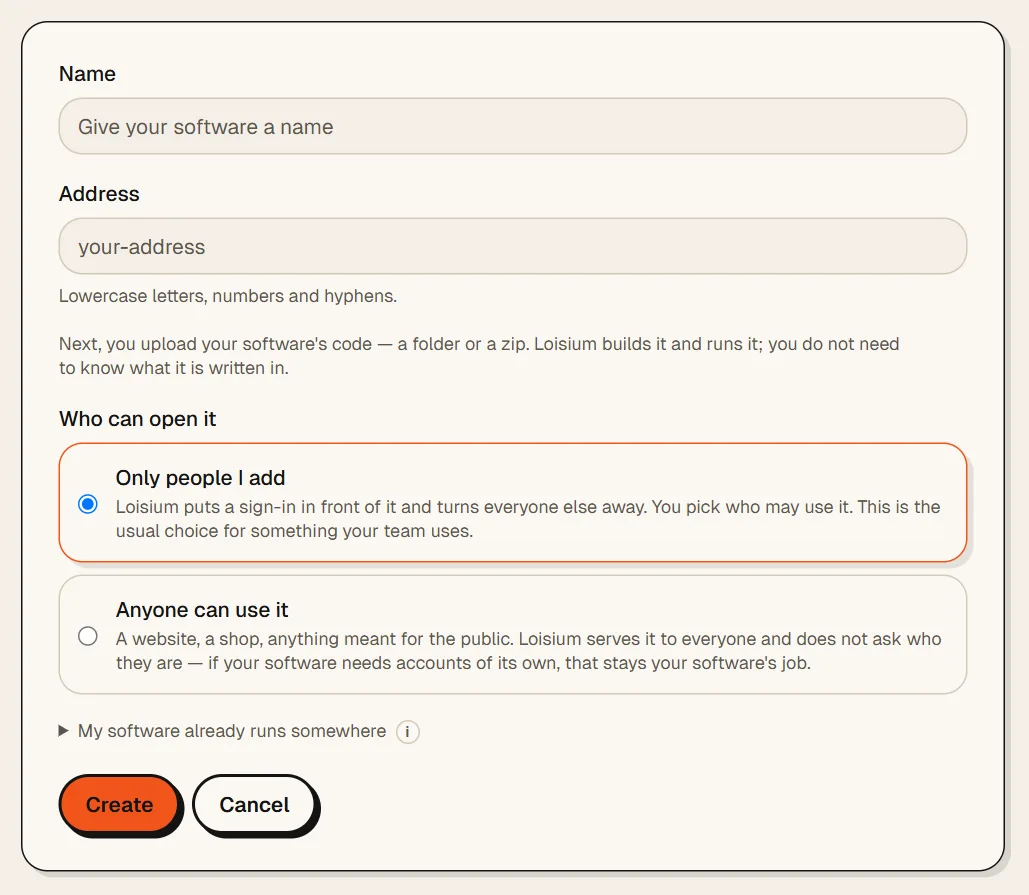
- Press Choose a folder and pick your website's folder. If you have a zip, press Choose a zip. The limit is 100 MB, and things like node_modules don't count, because Loisium makes those again.
- Lois, the AI engineer inside Loisium, works out how to run it and gets a preview ready. That's a copy you look at before anybody else sees it. Press Open the preview and click around.
- Happy with it? Press Go live.
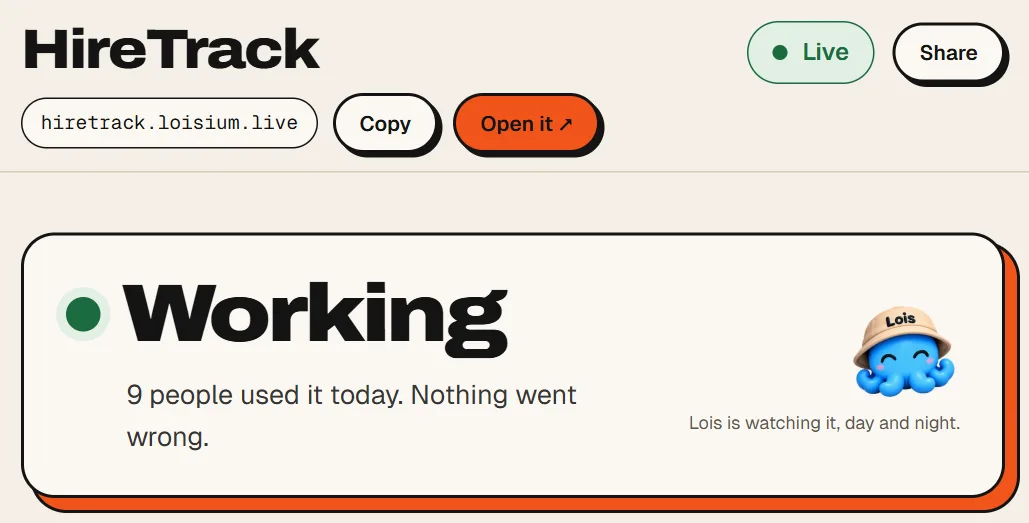
Your address is now at the top of Overview. Press Copy and send it to someone. From here on Lois watches it, day and night.
If your website uses a payment company or something like it, it needs a private key from them. You'll see Needs you before it goes live, with the name of the key. You paste it into Settings. If your folder has a .env file, Loisium leaves that file out and offers to move its keys to Settings.
Two things to know
Your address ends in loisium.live. A name of your own, like myshop.com, is marked Launching soon.
The beta is free, one piece of software each. A website nobody opens for 24 hours goes to sleep. The next person waits about 20 seconds on a waking page, and then it opens. Nothing is deleted.

Next
Checked against Loisium on 4 November 2026.